
Seed Audio 1.0: ByteDance's All-in-One AI Audio Model
Turn one prompt into a finished scene of sound — dialogue, music, effects and ambience — with realistic voices and multilingual delivery.
Try Seed Audio 1.0
Describe a scene and generate audio in seconds.
1 credit · per generation
Your audio
Your generated audio will appear here.
Whisper Web is an independent guide to Seed Audio 1.0. Use the demo above to shape your idea, then bring it to life inside your favorite creative tool.
What is Seed Audio 1.0?
Seed Audio 1.0 is ByteDance's all-in-one audio generation model, introduced in 2026 as the next step in the company's Seed family of voice and audio research. Instead of only reading text aloud, Seed Audio 1.0 produces a complete soundscape — the spoken line and the world around it — from a single written prompt.
That is the big shift from traditional text-to-speech. A classic TTS engine gives you one flat voice. Seed Audio 1.0 can stage several characters in conversation, give each a distinct voice and emotion, score the moment with background music, and layer in sound effects and ambience — all generated together in one pass so everything stays in sync.
You can also guide the result with your own audio. Seed Audio 1.0 supports zero-shot voice cloning from a short reference clip and multilingual output, so the same model can localize a script into another language while keeping a consistent voice. The result is closer to a finished audio production than a raw line of speech.
What people make with Seed Audio 1.0
A few of the audio projects creators can sketch with Seed Audio 1.0 — from scripted scenes and localized narration to image-led sound design and reference-matched voices.
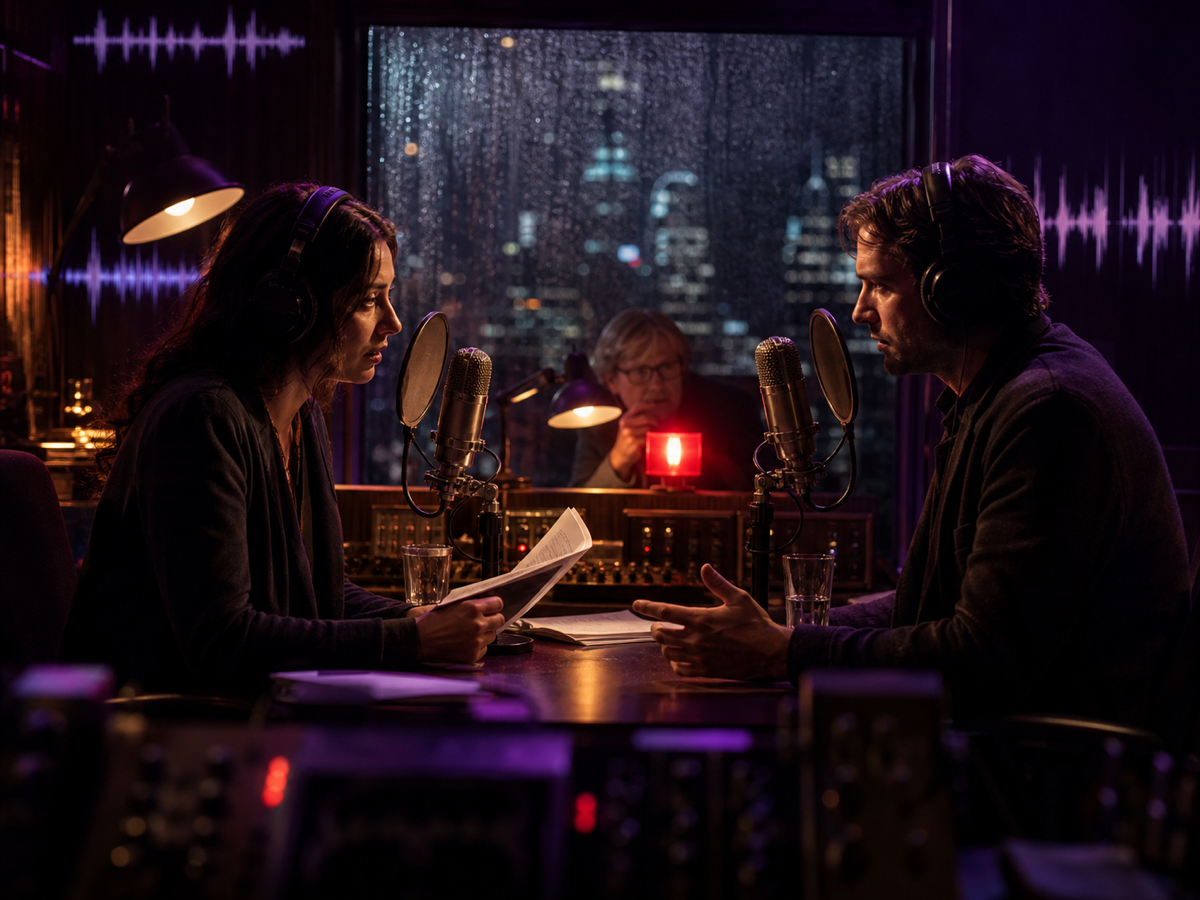
Cinematic radio drama
Describe a short scene and let Seed Audio 1.0 voice the characters, add room tone, weather and a music bed — a full audio moment from one prompt.
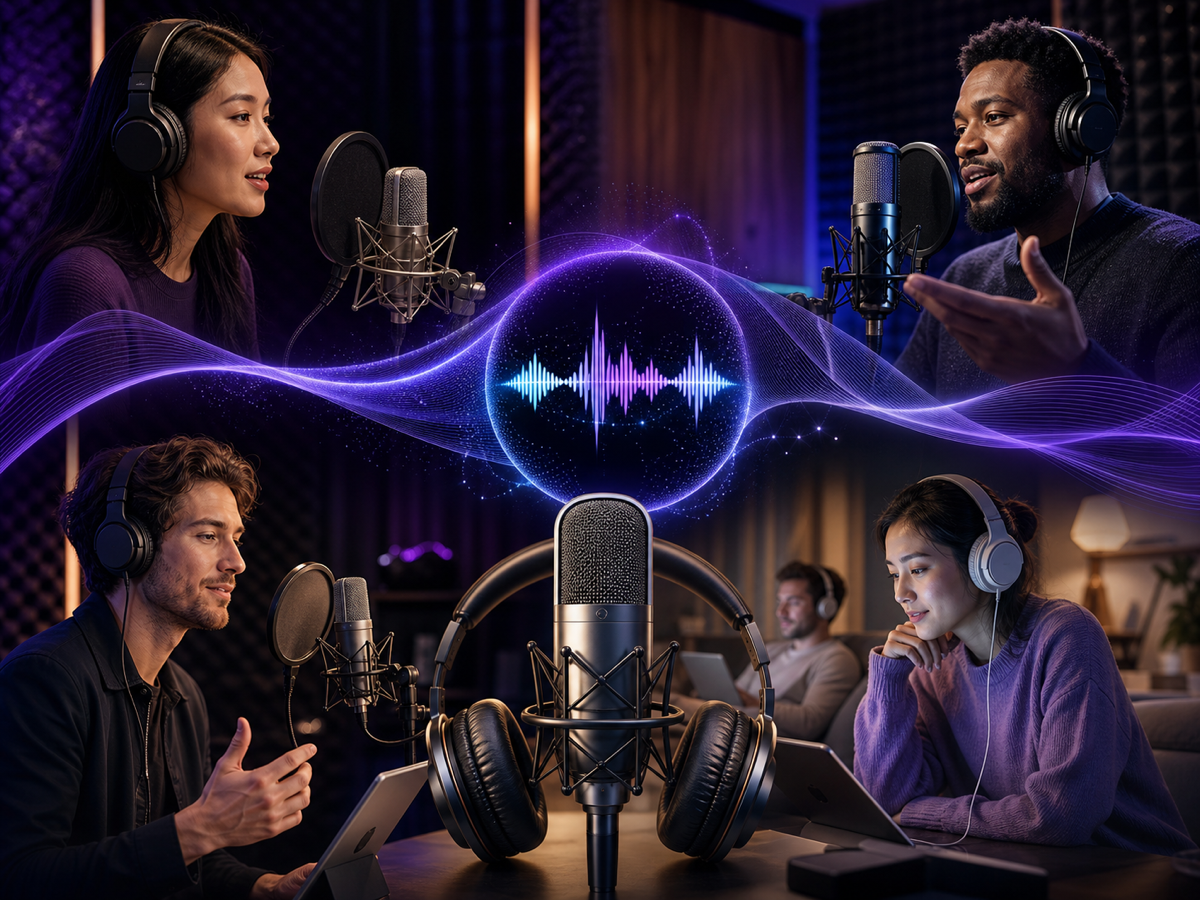
Multilingual narration
Localize a tutorial or product explainer into another language while keeping a natural accent and a consistent narrator voice across every version.

Image-led sound design
Give Seed Audio 1.0 a picture as a cue and shape ambience, material sounds or a branded mood when words alone would be too vague.
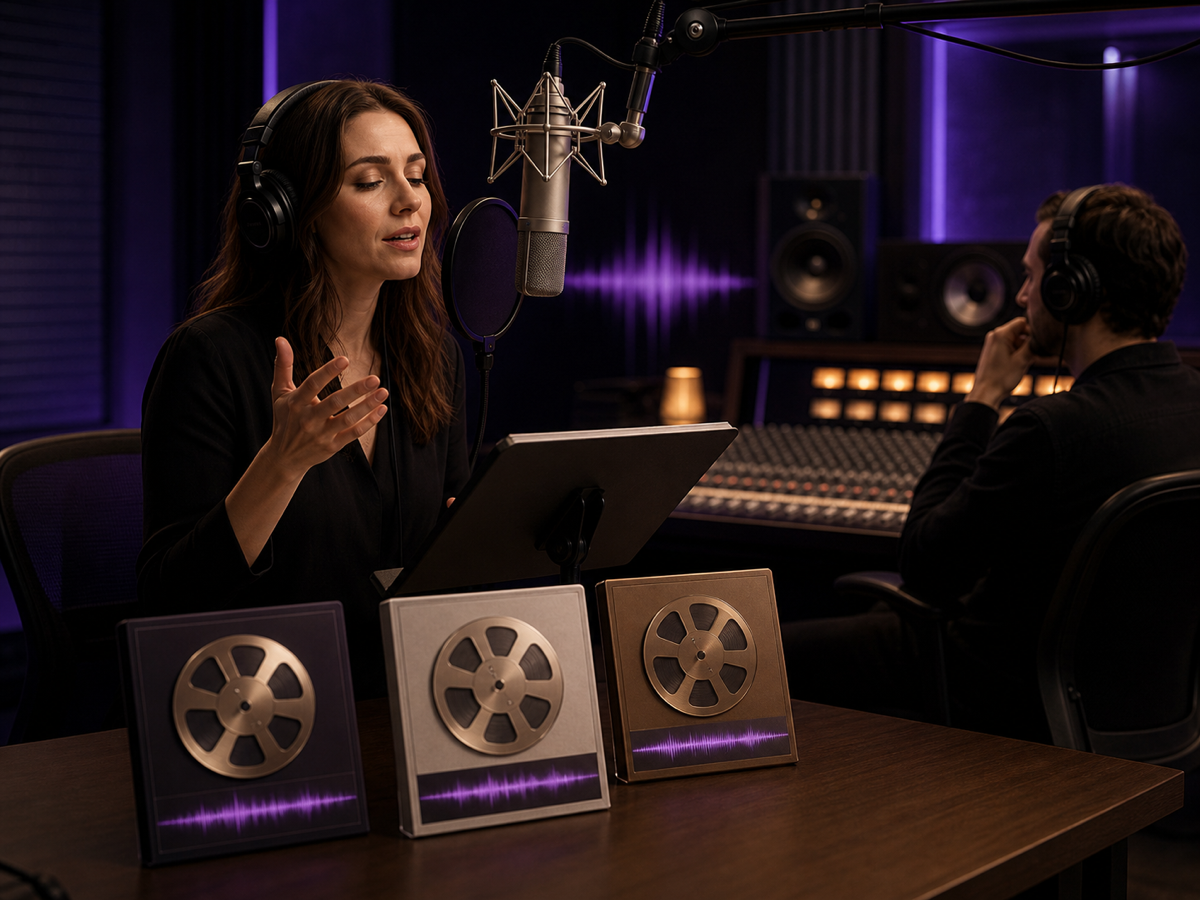
Reference-matched voiceover
Provide a short, approved reference clip and let Seed Audio 1.0 carry that voice and tone through a longer generated voiceover.
Showcase images are original Whisper Web illustrations created to picture these use cases; they are not screenshots of the model output.
What makes Seed Audio 1.0 different
Seed Audio 1.0 is built for prompt-directed audio production, so a single description can carry voices, music and sound design at the same time.
Multi-character dialogue
Stage a conversation between several speakers in one generation, each with a distinct voice, pacing and emotion instead of a single flat narrator.
Zero-shot voice cloning
Match a voice from a short reference clip, so a consented sample can carry through narration, characters or a recurring brand voice.
Music, effects and ambience
Generate background music, sound effects and environmental ambience together with speech, producing a finished scene rather than an isolated track.
Multilingual and cross-lingual
Produce speech in many languages with natural pronunciation, and even mix languages inside one piece for localized or international content.
Emotion and style control
Direct tone, mood, accent and delivery from the prompt — calm documentary, tense thriller, upbeat ad read or anything in between.
Longer, consistent audio
Generate extended audio of up to around two minutes per request while keeping each voice steady and recognizable across the whole clip.
Create with Seed Audio 1.0 in four steps
Shape your idea in plain language first, then refine the voices, references and mood until the scene sounds the way you imagined it.
Describe the scene
Write what you want to hear: who is speaking, the mood, the pacing, and any music, effects or background you have in mind.
Add a voice reference
Optionally attach a short reference clip to clone a voice, or point Seed Audio 1.0 at an image to guide the sound when a description is hard to put into words.
Set the tone and language
Choose the emotion, accent and language, and decide whether you want a single narrator or a full cast of characters.
Generate and refine
Listen back, then adjust the prompt or references and regenerate until the dialogue, music and ambience land together.
Seed Audio 1.0 at a glance
The essentials of the Seed Audio 1.0 model, summarized for creators deciding whether it fits their project.
Where Seed Audio 1.0 fits
Seed Audio 1.0 is most useful when you want a produced audio moment — voices, music and atmosphere together — not just a single spoken line.
Video and short-form content
Score a clip with narration, effects and music in one step so a rough cut already feels finished before final production.
Ads and promos
Draft voiced ad reads with the right energy and a music bed, then test variations quickly before booking talent.
Explainers and tutorials
Turn an approved script into clear, well-paced narration, and localize it for other markets without re-recording.
Podcasts and audio drama
Prototype intros, multi-voice dialogue scenes and ambience to hear how an episode flows before you record.
Games and apps
Create placeholder voices, ambient beds and effect sketches so teams can judge pacing and mood during prototyping.
Localization at scale
Carry one voice and tone across many languages to keep a brand sounding consistent in every market.
Tips for better Seed Audio 1.0 results
- Be specific: name the speakers, the setting, the mood and the pacing instead of asking only for high-quality audio.
- Describe the non-speech world too — music style, ambience and key sound effects — so the whole scene is generated together.
- Use a clean, short reference clip with clear rights when you want to clone or match a voice; noisy samples make the result harder to control.
- For multilingual work, state the target language and accent so pronunciation stays natural in every version.
- Direct emotion with plain words like calm, urgent, warm or playful, and adjust one thing at a time when you regenerate.
- Only clone voices you have permission to use, and disclose AI-generated audio wherever your audience or platform expects it.
Seed Audio 1.0 frequently asked questions
Short answers to the most common questions about the Seed Audio 1.0 model.
What is Seed Audio 1.0?
Seed Audio 1.0 is ByteDance's all-in-one AI audio model. From a single prompt it can generate multi-character dialogue, narration, background music, sound effects and ambience as one coherent scene.
How is Seed Audio 1.0 different from text-to-speech?
Traditional text-to-speech only reads words aloud in one voice. Seed Audio 1.0 produces a full soundscape — several voices, emotion, music and effects together — so the output feels like a finished production rather than a flat line of speech.
Can Seed Audio 1.0 clone a voice?
Yes. Seed Audio 1.0 supports zero-shot voice cloning, which means it can match a voice from a short reference clip. You should only clone voices you have clear permission to use.
Which languages does Seed Audio 1.0 support?
Seed Audio 1.0 is multilingual and can generate speech across many languages with natural accent and pronunciation. It can even switch between languages within a single piece of audio.
How long can the audio be?
Seed Audio 1.0 can generate extended audio of up to roughly two minutes per request, keeping each voice consistent across the whole clip.
Where can I use Seed Audio 1.0?
ByteDance offers Seed Audio 1.0 through its cloud platform and is bringing it into creative apps. This Whisper Web page is an independent guide with an interactive demo so you can explore how a request is shaped.
Explore Seed Audio 1.0
Try the interactive demo to shape a Seed Audio 1.0 idea, then dig deeper into how the model works and what else you can build.
Keep exploring audio AI
Seed Audio 1.0 is one piece of a creator's audio toolkit. These pages help with transcripts, voices and comparing models.
Speech to Text
Capture, transcribe and edit your source audio before turning an approved script into a generated scene.
OmniVoice
Compare Seed Audio 1.0 with an open zero-shot TTS model focused on multilingual speech and voice design.
VoxCPM
Explore tokenizer-free multilingual TTS and reference-based voice cloning from OpenBMB.
The Seed Audio story
Read how ByteDance went from Seed-TTS to the all-in-one Seed Audio 1.0 model.