Convert Video Speech to Text
Upload a spoken MP4, MOV, or WebM, review the transcript against playback, and export text or captions here. Cloud processing accepts files up to 1GB and 60 minutes, billed from your account credits.

Whisper Web
0 min left
Sign in to create a saved task. If your file is unavailable after signing in, select it again.
Dashboard
How do you want to transcribe?
Free minutes are included. Upload a file or record audio to start.
- MP4, MOV, WebM, MKV, M4V
- Direct media URL
- TXT, DOCX, SRT, VTT, JSON
Choose your file and settings before signing in; sign in to submit. Processing uploads media to cloud services and uses account credits. Review the estimated cost and your balance first. See plans and usage limits and our privacy policy. Sign in to see your current plan and available credits.
WhisperWeb vs Notta vs Otter vs Happy Scribe
People searching for a video to text converter are usually holding a file, not booking a meeting bot. The table below compares that job only. Figures were read from each vendor's public pricing or tool page on 2026-09-10. Plans change; confirm on the linked source before you buy.
| Job | WhisperWeb | Notta | Otter | Happy Scribe |
|---|---|---|---|---|
| Starting job | WhisperWebAvailable: Upload a video, stay on this pageSettings, processing, transcript, and download remain here. Direct media URLs with a file extension also work. | NottaLimited: Upload, then email a linkThe public converter asks for an email and sends a result link that expires in 72 hours. | OtterLimited: Meetings first, files secondLive capture is the core product. Basic accounts get three lifetime file imports. | Happy ScribeAvailable: Files, cloud imports, and meetingsUpload audio or video, or bring a YouTube, Vimeo, or Drive source into a subtitle-oriented workspace. |
| Languages | WhisperWebAvailable: 100+ languages with auto-detectTranscript translation into 100+ languages is a separate Pro or Max action. | NottaLimited: 58 languagesBilingual transcription and translation are listed as paid add-ons on Notta's plans. | OtterLimited: 6 languagesEnglish, Spanish, French, German, Japanese, and Chinese. | Happy ScribeAvailable: 150+ AI languagesAI translation lists 80+ languages. Human proofreading is a separate per-minute fee. |
| Exports on the cheapest usable plan | WhisperWebAvailable: TXT, DOCX, SRT, VTT, and JSON hereCaption and text downloads use the saved transcript. PDF is available in the general workspace. | NottaLimited: Download after ProNotta's tool FAQ says you upgrade to Pro to download TXT, DOCX, Excel, PDF, or SRT. | OtterLimited: TXT and MP3 on BasicPDF, DOCX, and SRT require Pro or above. | Happy ScribeLimited: TXT and SRT on FreePDF and DOCX appear on Basic. Pro and Business unlock 15+ formats. |
| Price and minutes (checked 2026-09-10) | WhisperWebLimited: 5 free minutes, then $9.90/moStarter 120 min/mo, Pro 600, Max 3,000. Optional credit packs. Priced per account, not per seat. | NottaLimited: Free 120 min/mo, 3 min per filePro $8.17/mo billed yearly ($97.99/yr) for 1,800 min and 5-hour files. Business $16.67/mo yearly. | OtterLimited: Basic 300 min/mo30 min per conversation and 3 lifetime imports. Pro from $16.99/user/mo, or $8.33/user/mo yearly. | Happy ScribeLimited: 10-minute AI trial, then $8.50/mo yearlyBasic 120 min/mo of uploaded AI minutes. Pro $19/mo yearly for 600. Extra AI minutes $0.20. |
| YouTube or page-URL scrape | WhisperWebNot available: No YouTube grabberA URL must be a direct media file ending in a supported extension. Watch pages are rejected. | NottaLimited: Separate YouTube toolsThis converter is an upload form. Notta publishes other YouTube-to-text pages. | OtterNot available: No public video scrapeOtter is built around meetings and imported recordings, not open-web video pages. | Happy ScribeAvailable: YouTube, Vimeo, DriveHappy Scribe documents imports from those hosts plus Box and Dropbox. |
| Human proofreading | WhisperWebNot available: You review the draftPlayback and editing stay on the task. There is no staffed caption desk. | NottaNot available: AI notes and templatesThe published plans emphasize AI summaries, not a human transcript service. | OtterNot available: AI meeting notesSummaries and chat sit on the meeting record. There is no human transcript SKU. | Happy ScribeAvailable: Human review from $2/minEnglish human transcription is listed from $2.00/min on the professional-services price list. |
Who this page is for
Use WhisperWeb when you already have a lecture capture, webinar replay, camera interview, or screen recording and the next artifact is searchable text. Review happens against playback on this page, and the same task appears in Recordings. Caption files are generated from the saved transcript, not from a second billed pass.
When another product fits better
Pick Notta if you want a meeting recorder plus a mobile app and can live with a 3-minute free file cap. Pick Otter if the work is live English meetings rather than imported video. Pick Happy Scribe if you need a human caption desk, YouTube import, or 15+ export formats. A longer Otter-focused write-up lives on our Otter AI alternative page.
Sources checked 2026-09-10: Notta video to text, Notta pricing, Otter pricing, Happy Scribe pricing. WhisperWeb figures match the live plans and usage limits page.
How It Works
The converter transcribes speech that is already in the file. It does not read slides, burn-in titles, or chat overlays. If the picture carries the fact, keep the video beside the transcript.
1. Upload your video
Choose an MP4, MOV, WebM, MKV, or M4V you have permission to process, or paste a direct HTTPS URL that ends in one of those extensions. Set the spoken language or leave detection on. Check the duration and credit estimate before you submit. A renamed audio file is still audio: the extension has to match a real video container.
2. Review the result
Upload progress, queue state, and the finished transcript stay on this address. Scrub the player while you fix names, figures, and punctuation. A file with no usable audio track cannot produce speech text; the run fails instead of inventing words from silence. If processing errors, read the message before you retry.
3. Export text or captions
Save first, then download TXT or DOCX for the prose, or SRT and VTT for captions. JSON keeps timed segments. Unsaved edits do not travel with the file. The task is filed under Recordings with other WhisperWeb jobs, and its link reopens this page without uploading the video again.
Choose a Supported Video Format
This route is the video cluster parent: mixed containers that still contain speech. MP4 encoding edge cases belong on MP4 to Text. WAV, MP3, and M4A have their own converters. The general transcription workspace remains available when you also need a microphone recording.
- MP4 and M4V. Common camera, phone, and screen-record exports. An MP4 without an audio stream is rejected by the transcription provider.
- MOV. QuickTime-style camera files. If you only need an MP3 soundtrack and want the file to stay on the device, use the MOV Audio Extractor instead. For a transcript from a QuickTime file, the MOV to Text Converter keeps the same review and export workflow.
- WebM and MKV. Browser captures and some editors write these. The page accepts the extension; the cloud recognizer still needs a decodeable speech track.
- Direct media URL. The parser allows http(s) links whose path ends in a supported extension. A YouTube, TikTok, or Drive sharing page is not a media file and will not be fetched.
See an Example
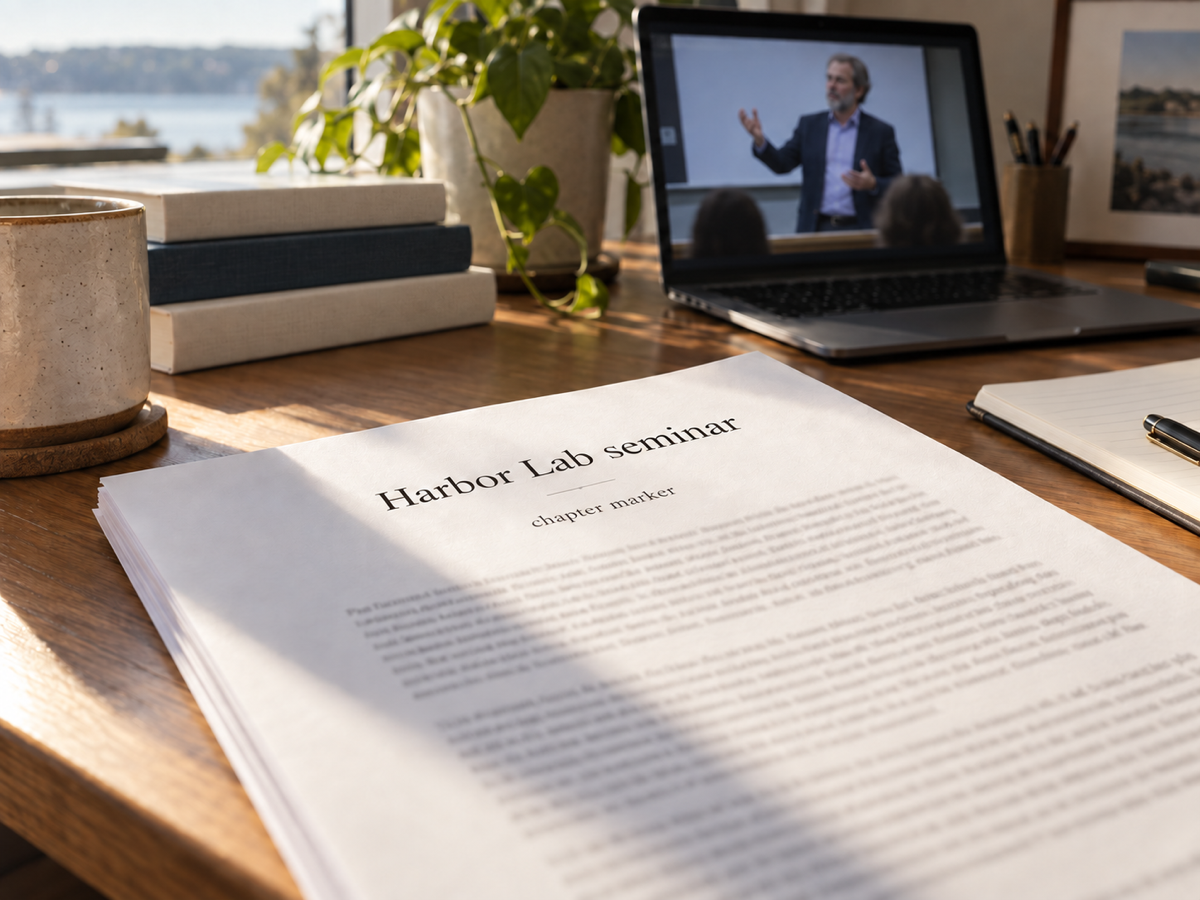
The clip is an original synthetic lecture capture, never a customer recording and not the MP4 product walkthrough used on the format-specific page. Speech was synthesized from an authored script so you can rehearse upload, review, and export on a short file. The text below is that script, not a claimed model result. Punctuation and recognition may differ.
- Container
- MP4 (H.264 + AAC)
- Picture
- 1280x720 slate, 25 fps
- Audio
- AAC, 48 kHz, mono
- Duration
- 19.36 seconds
- File size
- 318,097 bytes
- Credits
- 0.5 (under 30 seconds)
Reference script and review exercise
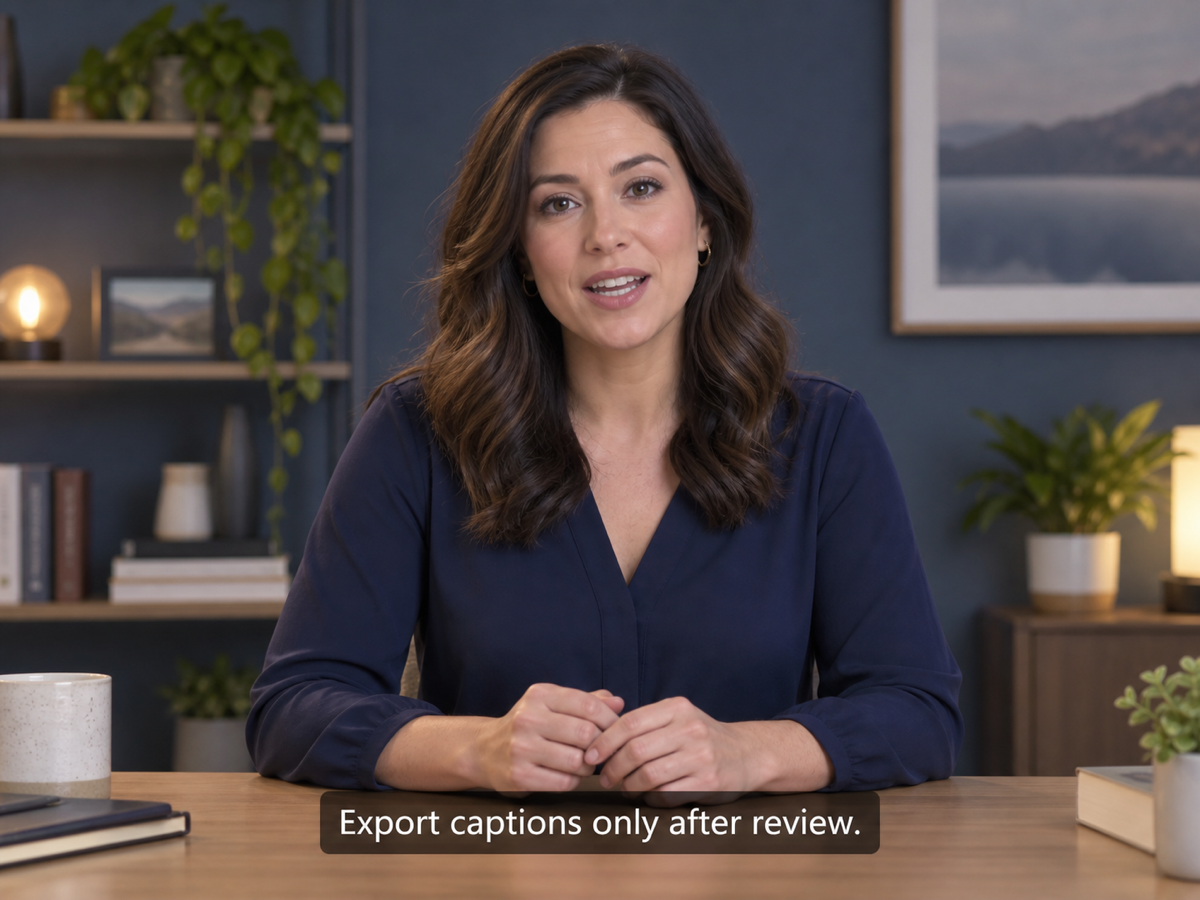
Welcome to the Harbor Lab seminar recording. Today we convert a lecture capture into a working transcript. Pause at each chapter marker, check every speaker name against the slate, and export captions only after you have reviewed the text. Do not treat an automatic transcript as a finished quotation.
After the run finishes, compare “Harbor Lab” and “chapter marker” with the script. Insert a paragraph break ahead of “Do not treat,” save, and download TXT plus SRT. The point is confirming that saved edits reach the export, not scoring accuracy. A clean synthetic clip says nothing about a noisy room recording.
Supported Files and Plan Limits
Cloud transcription supports one file at a time up to 1GB and 60 minutes, whichever bound you hit first. Credits follow duration: 0.5 credit through 30 seconds, then one credit per started minute. Optional summary, translation, and chat are separate Pro or Max actions on the saved transcript. They do not re-run the base job or charge it twice.
Processing is cloud-side and metered. A free allowance is not an open-ended quota. Choosing a file starts nothing until you sign in and submit. The server re-checks eligibility, duration, size, and balance. Current allowances live on plans and usage limits.
Frequently Asked Questions
Does this extract words shown on screen?
No. The converter transcribes speech in the audio track. Burned-in titles, slides, and chat overlays stay in the picture. If a claim only appears as text on screen, read the video itself or run a separate OCR workflow.
Can I paste a video link instead of uploading?
Only when the link is a direct media file whose path ends in mp4, mov, webm, mkv, or m4v. A YouTube watch URL, TikTok share page, or Drive preview is not fetched. Download a file you have rights to, or host a direct object URL, then submit that.
Is video to text free, and does it run on my computer?
New accounts start with 5 minutes. After that, plans and credit packs apply. The file is uploaded and processed in the cloud. Browser-local MP3 extraction is a different tool and does not create a transcript.
Where can I find the transcript after I leave?
Open Recordings in the same account, or return here with the task query. Other users cannot read the task even if they guess the id. Refreshing before you submit clears the local file selection, because a browser cannot restore file bytes from a name alone.